Will Krira TV work on your Firestick?
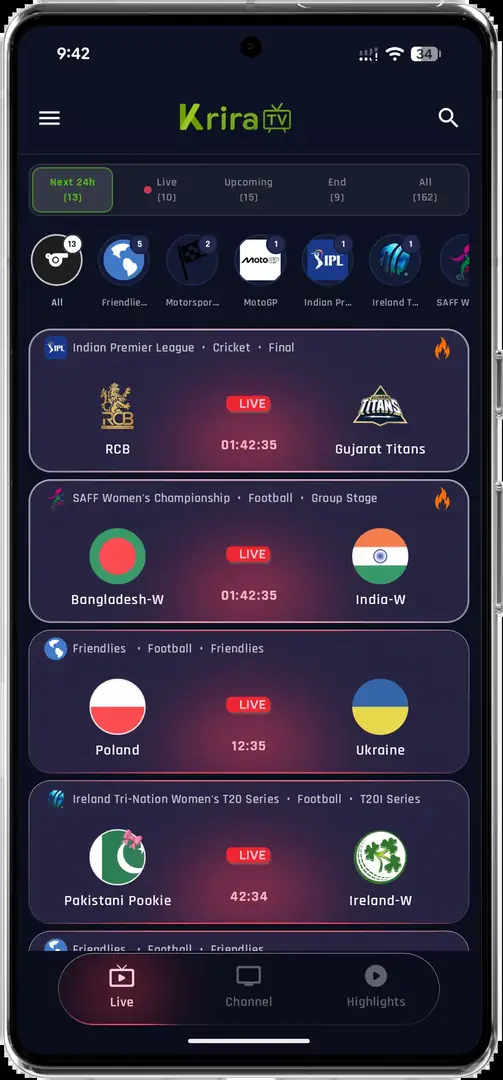
Fire TV devices use Android-derived Fire OS, so many APKs can be sideloaded. A phone app may still show portrait screens, tiny controls, missing focus highlights or touch-only actions that a remote cannot select.
Check the Fire TV model, Fire OS version and free storage first. Older sticks may install the app but struggle with HD playback. For Android TV or Google TV hardware, use the Krira TV Smart TV guide.
Verify the Krira TV v6.2.6 APK before sideloading
Start from the reviewed download record instead of typing a random short code into Downloader. The checked app-release.apk is 11,652,593 bytes and matches the SHA-256 above. A matching hash confirms file identity, not absolute safety.
If the official page changes its version, size or destination, pause and recheck. Avoid MOD, premium-unlock or ad-free builds without first-party documentation. Read the APK Download Policy for the evidence boundary.
How to install Krira TV on Firestick with Downloader
Install Downloader from Amazon Appstore, temporarily allow unknown-app installation for Downloader only, and enter the reviewed HTTPS destination rather than an unverified code directory.
Menu names vary by Fire OS version. Developer Options may be under Settings, My Fire TV and About. Do not enable ADB debugging unless you deliberately transfer from a computer and know how to disable it afterward.
Test the remote, screen layout and video player
After launch, move through lists, use Back and confirm a visible focus state. If only touch gestures work, technical installation does not equal a usable television experience.
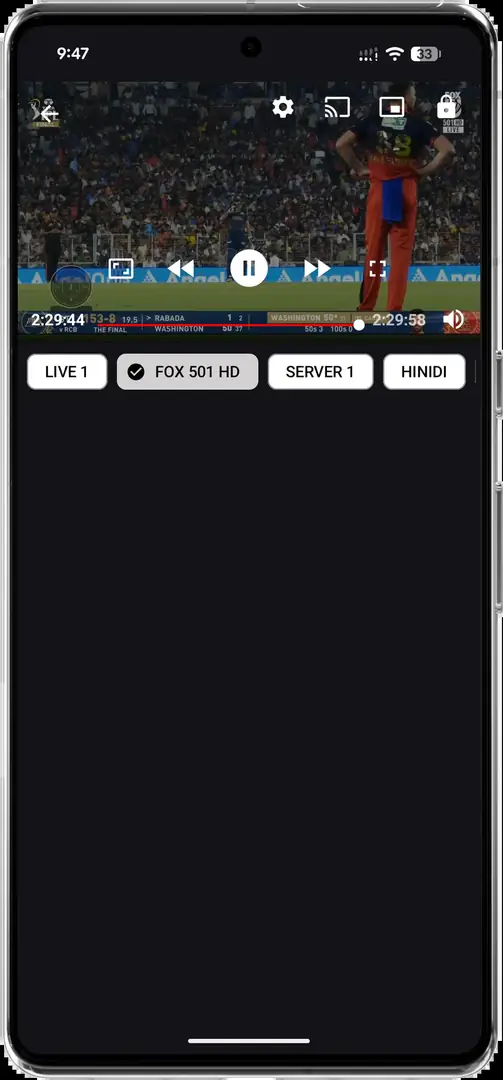
Start playback at moderate quality. Black video, audio-only output or repeated buffering can come from the decoder, memory, Wi-Fi or stream provider. Check the SS Player guide before adding an unknown external player.
Update Krira TV on Fire TV without losing local data
Install a newer APK over the existing app only when package identity and signing continuity match. If Fire OS reports a conflict, stop and verify the source before uninstalling.
Record the installed version and recheck file size and hash. The Krira TV update guide covers signature conflicts, storage and recovery. No newer verified release was found on July 23, 2026.
Fix Krira TV not working on Firestick
Start with reversible checks: confirm network access, automatic date and time, restart Fire TV, free storage and test another app. Then reopen Krira TV and lower playback quality.
If one event fails, availability may be provider-side. If the whole app fails, download again and compare the hash. The Krira TV live guide separates device, player and service problems.
Krira TV Firestick FAQ
Is Krira TV available in the Amazon Appstore?
No verified Amazon Appstore listing was found on July 23, 2026. The documented route is APK sideloading.
What is the latest Krira TV version for Firestick?
The official Krira TV page still listed v6.2.6. It is an Android APK, not a separate Fire TV edition.
Can I use a Downloader code for Krira TV?
A code is only a redirect and does not prove who controls the destination. Prefer the reviewed HTTPS source path.
Why can I open Krira TV but not select anything?
The app may rely on touch controls and lack a visible TV focus state.
Why is Krira TV buffering on Firestick?
Check Wi-Fi, memory pressure, quality, decoder limits and provider availability before reinstalling.
Will updating Krira TV delete my settings?
An in-place update normally preserves local data when package identity and signing match; uninstalling first may remove it.