
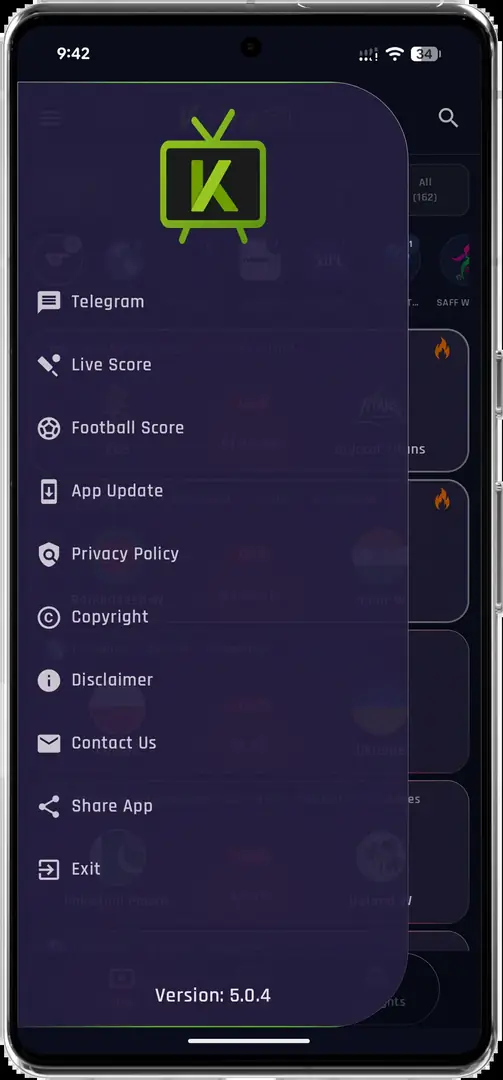
Krira TV for PC: native app or Android emulator?
Krira TV for PC means the Android application running inside a compatible emulator. We found no verifiable Microsoft Store listing or publisher-provided Windows installer, so a file named Krira-TV.exe or MSI should not be treated as a checked release.
For a laptop example, install a reputable emulator such as BlueStacks only from its official site, import the checked APK and keep shared folders limited to that file. The example is not an endorsement; virtualization, graphics drivers, network quality and the stream source still determine playback.
The checked Android file is named app-release.apk, not an EXE or MSI installer.
What you need before installing
Use a current 64-bit Windows installation, updated graphics drivers and enough free storage for both the emulator and its Android virtual disk. Most mainstream emulators work best when hardware virtualization is enabled in BIOS/UEFI and Windows is not already reserving the same virtualization layer for an incompatible feature.
Only download an emulator from its official website. Decline bundled utilities that are not required, keep Windows Security enabled and sign in with a separate Google account only if the emulator genuinely needs Play services. The Krira TV APK itself is currently distributed outside Google Play, so you can normally install it with the emulator's local APK button without adding a Google account.
- Windows 10 or Windows 11, preferably 64-bit.
- At least 4 GB RAM; 8 GB or more is more comfortable for video playback.
- Several gigabytes of free storage for the emulator image.
- Hardware virtualization enabled when supported.
- Current browser, Windows Security and graphics driver.
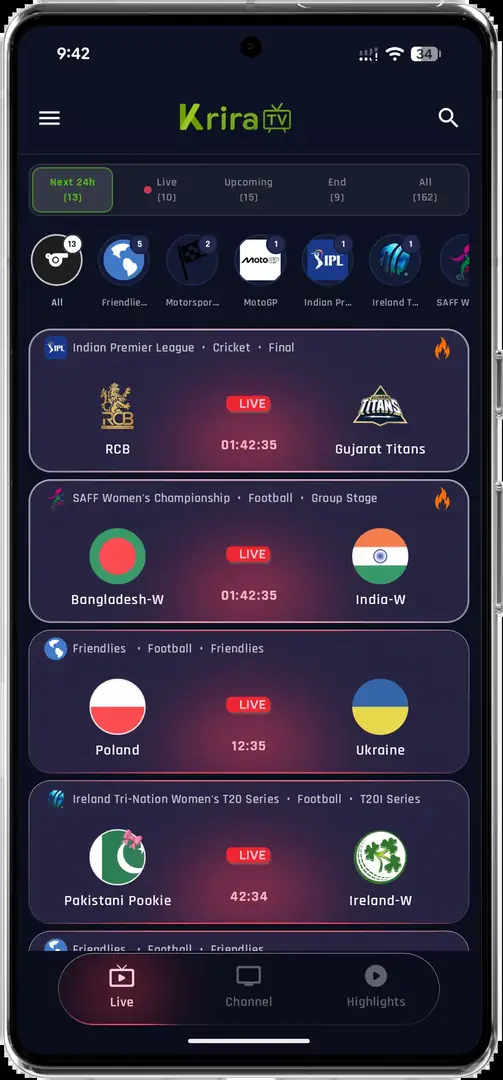
How to install Krira TV APK on Windows 11
The exact labels differ between emulators, but the workflow is consistent. Keep the APK on the Windows side until you are ready to import it, and compare the SHA-256 with the homepage before installation.
- Choose an emulatorDownload a reputable Android emulator from its official website and complete the Windows installation.
- Create the Android deviceStart the emulator, finish its basic Android setup and allow it to install system updates.
- Download the APKOpen the Krira TV Wiki homepage and use the source-linked v6.2.6 download.
- Verify the fileConfirm the 11,652,593-byte size and published SHA-256 before importing it.
- Install inside the emulatorUse Install APK or drag the APK into the emulator window, then review the Android installer prompt.
- Test playbackOpen the app, test navigation and choose a stream quality appropriate for your network and PC.
Display, keyboard and playback settings
Start with a standard phone resolution such as 1280×720 or 1920×1080 at 240–320 DPI. If interface elements are cropped, lower the DPI or rotate the virtual device. Full-screen desktop playback can reveal compression that was less visible on a phone, so the highest listed stream option is not always the smoothest choice.
Map only the controls you need. A mouse normally covers tapping and scrolling, while Esc or the emulator Back button handles navigation. Avoid granting microphone, location, contacts or file access unless a visible app feature requires it and you understand why.
| Issue | First adjustment |
|---|---|
| Video stutters | Lower stream quality and emulator resolution |
| Black player area | Switch emulator graphics mode and update the GPU driver |
| App appears too small | Increase Android DPI gradually |
| App rotates incorrectly | Lock portrait for browsing, landscape for playback |
| No sound | Check the emulator mixer and Windows output device |
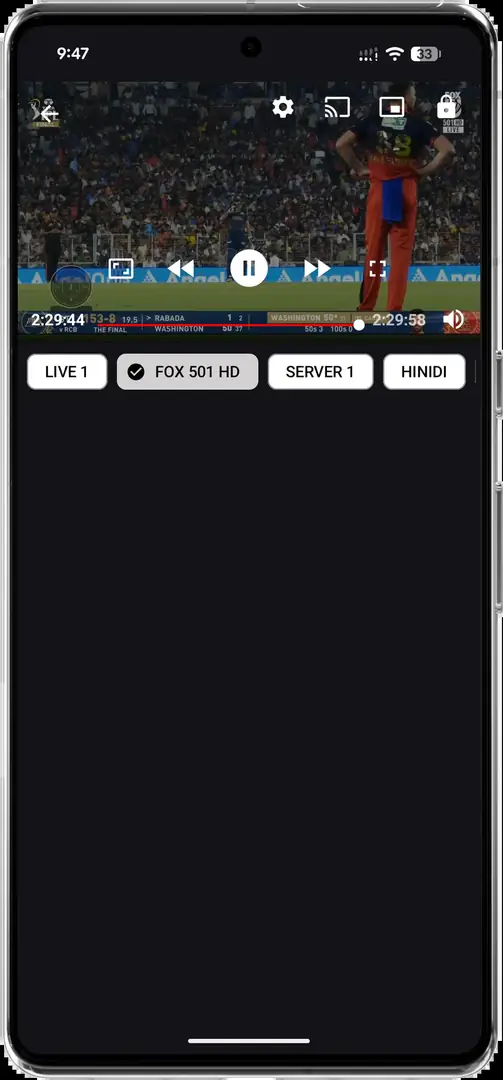
Fix common PC installation problems
If the emulator says the APK cannot be installed, first verify that the download completed and its hash matches. Then confirm that the virtual Android version is Android 6.0 or later. A signature conflict usually means another build of the app is already installed; update from the same release line or back up what you need before removing it.
Poor playback is often an emulator or network problem rather than an APK installation problem. Close other GPU-heavy applications, enable virtualization, try the emulator's alternate renderer and use a wired or stable Wi-Fi connection. If streams remain unavailable, the content server may be offline or restricted; repeatedly reinstalling the APK will not fix a remote server.
An emulator isolates some app activity, but it is not a guarantee of safety. Keep the host PC patched and avoid sharing sensitive folders with the virtual device.
Krira TV APK for PC maintenance checklist
A stable Krira TV APK for PC setup needs maintenance on both sides of the emulator boundary. Windows supplies the graphics driver, network stack and hardware virtualization, while the virtual Android device supplies storage, permissions and the app runtime. Update one layer at a time so a new problem has an identifiable cause. Before an emulator upgrade, note the Android version, display resolution, graphics renderer and any folders shared with Windows.
Keep the Krira TV APK for PC installation separate from sensitive desktop work. Do not expose Documents, browser profiles or password-export folders to the virtual device. A dedicated shared folder containing only the verified APK is enough for installation. After import, remove the installer from that folder if it is no longer needed and keep the published hash in your notes rather than trusting the generic app-release.apk filename.
Review the Krira TV APK for PC environment after major Windows or emulator updates. Confirm that Android permissions have not expanded, the app still matches the current version record and the emulator has not enabled unwanted startup services. If the setup stops working after a change, restore the previous emulator setting before reinstalling the APK. This preserves a clear diagnostic path and avoids repeated downloads.
| Maintenance item | Recommended interval | Reason |
|---|---|---|
| Windows and GPU updates | Monthly or after a security release | Protect the host and maintain video compatibility |
| Emulator update | After reading its release notes | Avoid unexpected Android or renderer changes |
| APK version and hash | Before every install or update | Confirm the current source-linked file |
| Shared folders | After emulator changes | Limit access to personal desktop files |
| Permissions review | After app updates | Remove access not required for playback |
Krira TV APK for PC means the Android application running inside an emulator. It is not a native Windows package.
Krira TV for PC FAQ
What does Krira TV for PC mean?
Krira TV for PC means the Android APK running inside a compatible emulator. It is not a native Windows application.
Can I download Krira TV for PC as a Windows EXE?
No verified native EXE or MSI release was found. Use an Android emulator and the checked APK details instead.
Is there a Krira TV EXE for PC?
We found no verified native EXE release. Avoid unexplained executables using the app name.
Which emulator should I use?
Choose a current, reputable emulator that supports Android 6.0 or later and download it only from its official website.
Why is playback slow on my laptop?
Lower the stream quality and virtual-device resolution, enable hardware virtualization and close other GPU-heavy applications.
Can I run Krira TV on macOS?
An APK is not a native Mac app. A compatible Android emulator may run it, but support varies by Mac model and processor.