What the publisher-associated Krira TV source says
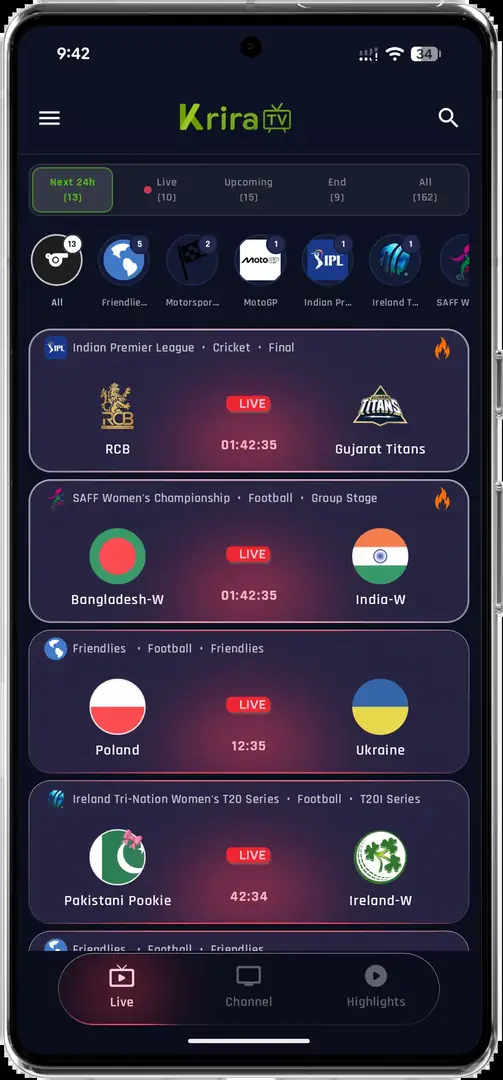
The official source page is the first place to check when a search result promises a Krira TV official app. It presents Krira TV as an Android application, names the associated publisher contact and points visitors toward its own download route. The page also includes an explicit warning about fake websites, which is useful context but is not the same as an independent security audit.
The source-linked release record available when this page was checked listed Krira TV v6.2.6, Android 6.0 or later and an APK of about 11.1 MB. The current direct file returned HTTP 200, the Android package MIME type, 11,652,593 bytes and the recorded SHA-256. Those facts establish what was checked on August 1, 2026; they do not promise that a future file, stream or mirror will be identical.
- Open the source pageStart from the visible publisher-associated page instead of a shortened Downloader code, pop-up redirect or search ad.
- Record the release factsWrite down the displayed version, Android requirement, file name, file size, source host and check date before opening an installer.
- Keep the relationship clearAn APK mirror can be linked by a source page without being the publisher. Name the final host instead of calling every mirror official.
- Source-listed version: v6.2.6
- Source-listed platform: Android 6.0 or later
- Checked file: app-release.apk, 11,652,593 bytes
- Checked SHA-256: 05CE77D1179977E12C993732D41BAB3E271D0D733065C35FFA56F30B7EC95F45
This page uses official source to mean a first-party page that presents itself as the publisher-associated distribution point. It does not certify the APK, grant content rights or replace Android and Play Protect checks.
How the Google Play listing differs
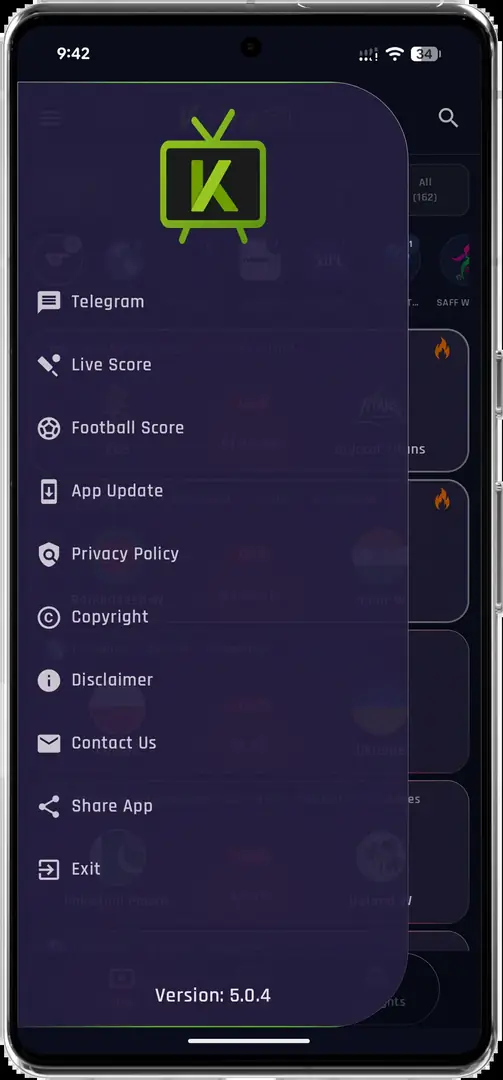
A Google Play page can look more trustworthy simply because it is hosted by Google, but the store host alone does not prove that two same-name apps share a publisher. The listing checked for this guide identifies REGULEX LTD and package com.kriratv.livesport. The publisher-associated source page discussed above uses a different distribution story, so this guide keeps the records separate instead of guessing that one is the official Android build.
Use the table as an identity checklist. A match on the app name is weak evidence. A package identifier, developer identity, source domain, release notes and update history provide much stronger signals, and even those should be checked against the publisher's own statement before you move data or replace an installed app.
| Record | What to check | Current evidence boundary |
|---|---|---|
| Publisher-associated download page | Source domain, release notes, file host | Lists v6.2.6 and links an APK path; this is the source record used for the checked file. |
| Google Play listing | Developer name and package | Shows Krira TV by REGULEX LTD with package com.kriratv.livesport; relationship to the other record is not proven here. |
| Random APK mirror | Redirects, signature, hash and extra installers | Do not treat a copied name or matching icon as proof of identity. |
| This wiki | Evidence and date disclosure | Independent guide; not the publisher and not a malware certification service. |
Before changing update sources, compare the installed package name and signing identity. If the package or signature differs, Android may reject an in-place update or create a separate app.
Verify a Krira TV APK before you install it
The safest decision is often to stop when the evidence does not line up. Check the final HTTPS host, preserve the original file name, compare the byte size and calculate the SHA-256 on the downloaded file. A matching checksum only says that the bytes match the checked record; it does not prove that the software is harmless, that the publisher owns the stream or that the content is licensed in your country.
If the file is going to a television or emulator, verify it on a computer or phone first. Do not rename an APK to EXE, IPA, XAPK or another extension. Do not install a browser extension, a separate executable, a payment helper or a forced login merely because a download page claims that it is required for the Krira TV official app.
- Inspect the final hostFollow redirects only when you can see the destination and confirm that it is the file path you intend to use.
- Compare size and hashFor the checked record, compare 11,652,593 bytes and the published SHA-256 before opening the installer.
- Review Android warningsKeep Play Protect enabled, grant install permission only to the browser or file manager you selected, and revoke it afterward.
- Stop on a mismatchA different package, certificate, file size or host is a reason to return to the source page, not a reason to disable a security control.
Common signs of a fake or unsafe copy
A fake copy is not always an obvious error page. It may use the right logo, copy the app name and still send you to a different package. Treat urgency, hidden redirects and requests for unrelated permissions as risk signals. The goal is not to label every third-party mirror malicious; the goal is to avoid making a trust decision from branding alone.
If you already installed a suspicious file, record its package name and permissions before deleting it. Run the security checks available on your device, change any credentials that were entered into an untrusted page and seek professional help if the device shows persistent compromise symptoms. Do not upload a private APK or personal data to an unknown scanner.
- A short code hides the final host or changes destination unexpectedly.
- The page asks for an EXE, browser extension, payment or unrelated account before the APK.
- The displayed version, package, file size or hash changes between pages.
- The download requires disabling Play Protect or granting device-admin, accessibility or VPN access without a clear feature need.
- A copied Google Play badge points to a page that is not the actual Play Store listing.
SHA-256 confirms byte consistency. It does not prove publisher identity, legal availability, privacy behavior or future safety.
Which update path should you use?
Choose one documented update line and keep its identity consistent. If the installed app came from Google Play, check the Play Store listing and its developer information first. If it came from the publisher-associated APK source, use that source's current release record. Installing a file from a different package or signing certificate may fail, install beside the old app or remove access to local settings.
The word latest is time-sensitive. This page records v6.2.6 because that was the source-listed version and the direct APK still matched the checked size and hash on August 1, 2026. Recheck the version history before every new install, and use the update guide before uninstalling an existing app.
| Situation | First action | Avoid |
|---|---|---|
| Installed from Google Play | Open the same Play Store listing and verify the developer | Replacing it with a random APK because its name matches |
| Installed from the source-linked APK | Recheck the source page, version, size and hash | Uninstalling first when local data may matter |
| Package or signature mismatch | Stop and preserve the current app evidence | Disabling security controls to force an update |
| Version cannot be verified | Wait for a documented source record | Calling an unverified archive latest |
Android TV, Fire TV, PC and iPhone boundaries
An official-source question is separate from device compatibility. The checked file is an Android APK. Android TV, Google TV, some Android boxes and Fire OS devices may run an APK, but remote navigation and screen orientation can still be poor. Use the Smart TV guide or Firestick guide for platform-specific checks instead of assuming that the store name proves compatibility.
Windows and macOS do not natively install Android APK files. The PC guide explains the emulator boundary. iPhone and iPad use iOS and cannot install an APK; do not accept a renamed IPA or an enterprise profile from an unknown source. These platform limits are technical facts, not evidence that a third-party download is official.
- Android phone or tablet: check the package, permissions and source before sideloading.
- Android TV or Fire TV: confirm the operating system and test remote focus after installation.
- Windows or macOS: use a reputable Android emulator only when its own terms and security checks are acceptable.
- iPhone or iPad: an APK is not an iOS package; use an independently verified native listing or browser service instead.
What this verification page can and cannot prove
This page can show which source pages and file facts were checked, explain why two same-name listings are kept separate and give you a repeatable comparison process. It cannot certify that the application is malware-free, prove who controls every stream, guarantee service uptime or grant rights to watch content. Availability, package signing, store listings and download hosts can change after the check date.
Use the evidence as a boundary around a decision, not as a slogan. If the official source, package identity, version record and downloaded bytes do not agree, pause. You can still use the troubleshooting guide for an installed app, but do not solve an identity problem by downloading more copies.
Krira TV Wiki is an independent information site. App names, screenshots and trademarks belong to their respective owners; this page does not speak for the publisher.
Krira TV official app FAQ
Is Krira TV Wiki the official app website?
No. Krira TV Wiki is an independent guide. The page identifies the publisher-associated source and separates it from a Google Play listing rather than claiming ownership.
Which Krira TV app is official?
The publisher-associated website presents its own Android download route and warns about fake copies. The Google Play record checked here names REGULEX LTD and package com.kriratv.livesport. Because the pages do not provide enough evidence to merge the identities, compare the publisher, package and update path before installing.
Is Krira TV on Google Play?
A Google Play listing using the Krira TV name was available when checked, but it is kept as a separate record because its developer identity and package must be compared with the publisher-associated APK source. A store page is not proof that every APK mirror with the same name is the same app.
What is the checked Krira TV APK version?
The publisher-associated source listed v6.2.6 when checked on August 1, 2026. The current direct APK returned 11,652,593 bytes and matched the recorded SHA-256. Recheck the source before treating that number as current in the future.
Does a matching SHA-256 prove the APK is safe?
No. It proves that the downloaded bytes match the file record that was checked. It does not prove publisher ownership, legal availability, privacy behavior or that a future update will be safe.
Can I install the APK on Android TV or Fire TV?
Some Android TV, Google TV and Fire OS devices can run Android APKs, but compatibility and remote navigation vary. Use the platform guides, verify the file first and do not assume that a same-name store listing guarantees TV support.
Can I install the Krira TV APK on iPhone?
No. APK files are Android packages and do not install on iPhone or iPad. Do not rename an APK to IPA or trust an unknown enterprise profile as a conversion.